SiteVista Review
Nov 01. 05Well I bagged myself a SiteVista account today, many thanks to Paul at Salted. For some time I’ve been considering purchasing an iBook purely to test on Safari, but now, well there really is no need!
SiteVista is a brilliant little web application, it’s simple, intuitive and easy on the eye and turns one of the most dreaded tasks in web development into a simple case of point click and submit.
Testing on various browser combinations, screen resolutions, colour depths and platforms can easily eat up hours if not days. SiteVista automates the task. Just give it a URL and select your target browsers from the ever growing list and off you go.
The response isn’t immediate, but usually you’ll have all of your results back within a few minutes, and you can have the application email you a little reminder when it’s done.
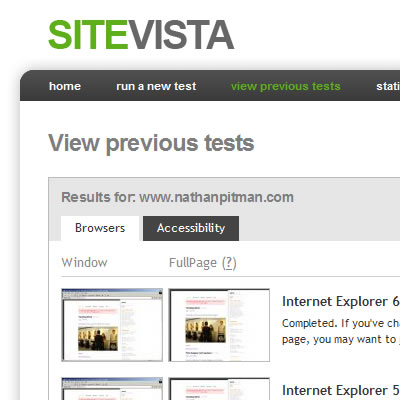
SiteVista keeps a record of all your previous ‘tests’ so you can re-visit them at any time and from what I’ve heard they also have some exciting new tests on the horizon, including; loading speed videos, colour blindness tests, screen reader tests and googlebot rendering (whatever that might be?).
The browser tests don’t always seem to work as expected, asking SiteVista to test your latest kick ass XHTML/CSS layout on Internet Explorer 4 can result in what seems to be a screen grab of the backend app, but hey it was going to look pretty cack anyhow so I’m not fussed.
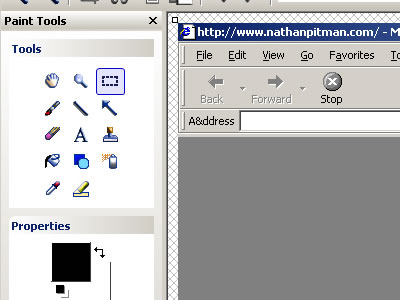
I’d be interested to know a little more about the set-up behind SiteVista, is there a factory full of monkeys hurridly typing in URLs and hitting ‘print screen’ or (more likely) some hefty server side scripting going on. I’m sure Paul, David and Matt can enlighten us if prodded.
So, in conclusion, SiteVista is a tidy little application, if you don’t want the hassle of maintaining numerous versions of IE, and having to shell out for a Mac, ‘just for testing’ then go get yourself an account.